Text in the border Premium
A caption, your name or a watermark, written below the photo. Pick the typeface, size, color and alignment — the photo stays in view while you type.
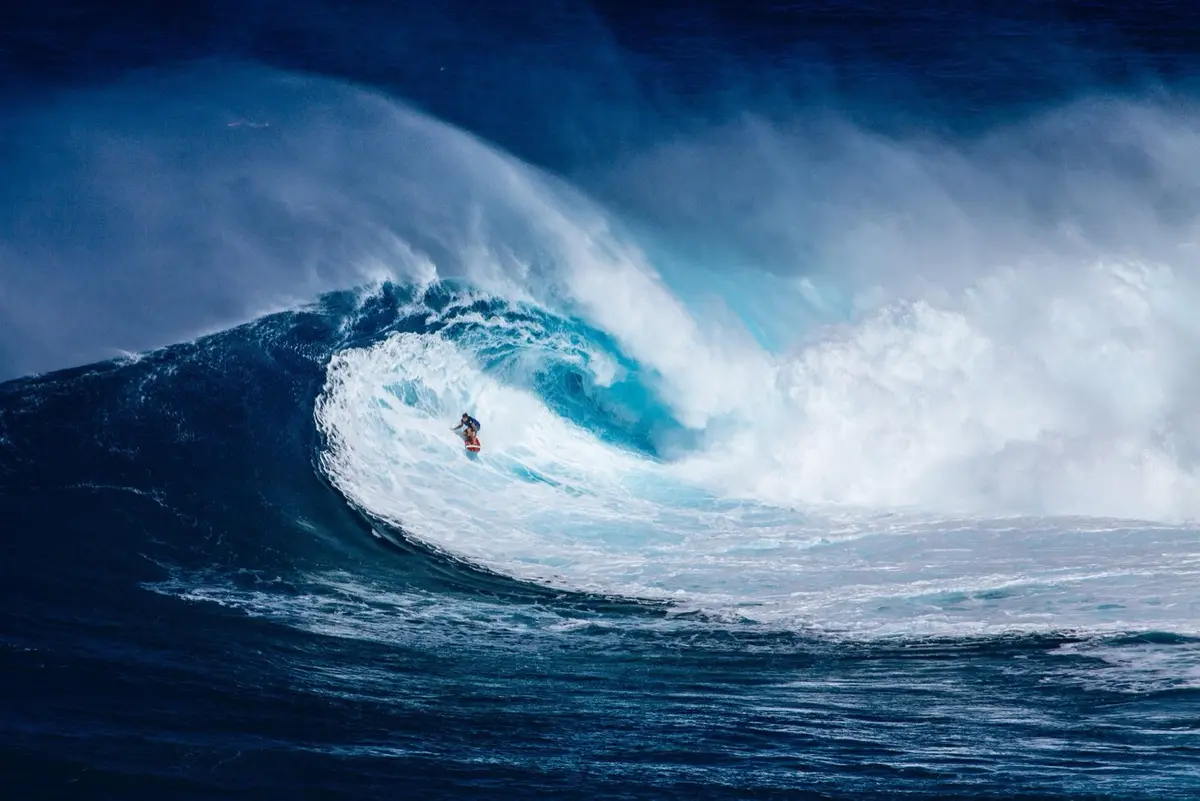
Marginalia adds a clean border around any photo or video so it fits square, portrait or story formats — while keeping every pixel of the original.
Live demo · Tap a format or a style
Write a caption or your name in the border, keep the brightness of HDR shots, and frame photos straight from Siri, Shortcuts or any app’s share sheet.
A caption, your name or a watermark, written below the photo. Pick the typeface, size, color and alignment — the photo stays in view while you type.
HDR photos and videos keep their extra brightness after framing. Tap the badge to switch to SDR.
iOS 18 or later

Your latest photo, framed with your last border — from Siri, Shortcuts or the Action Button, without opening the app.
Send a photo or video to Marginalia from Photos, Files or any other app, and it opens ready to frame.
3:4 for Instagram’s profile grid, 5:4 for large-format landscapes.
Social, portfolio and print sizes, now with 3:4 for Instagram’s profile grid — plus Even, a uniform border that keeps your photo’s own shape. Whatever you pick, the photo fits whole.
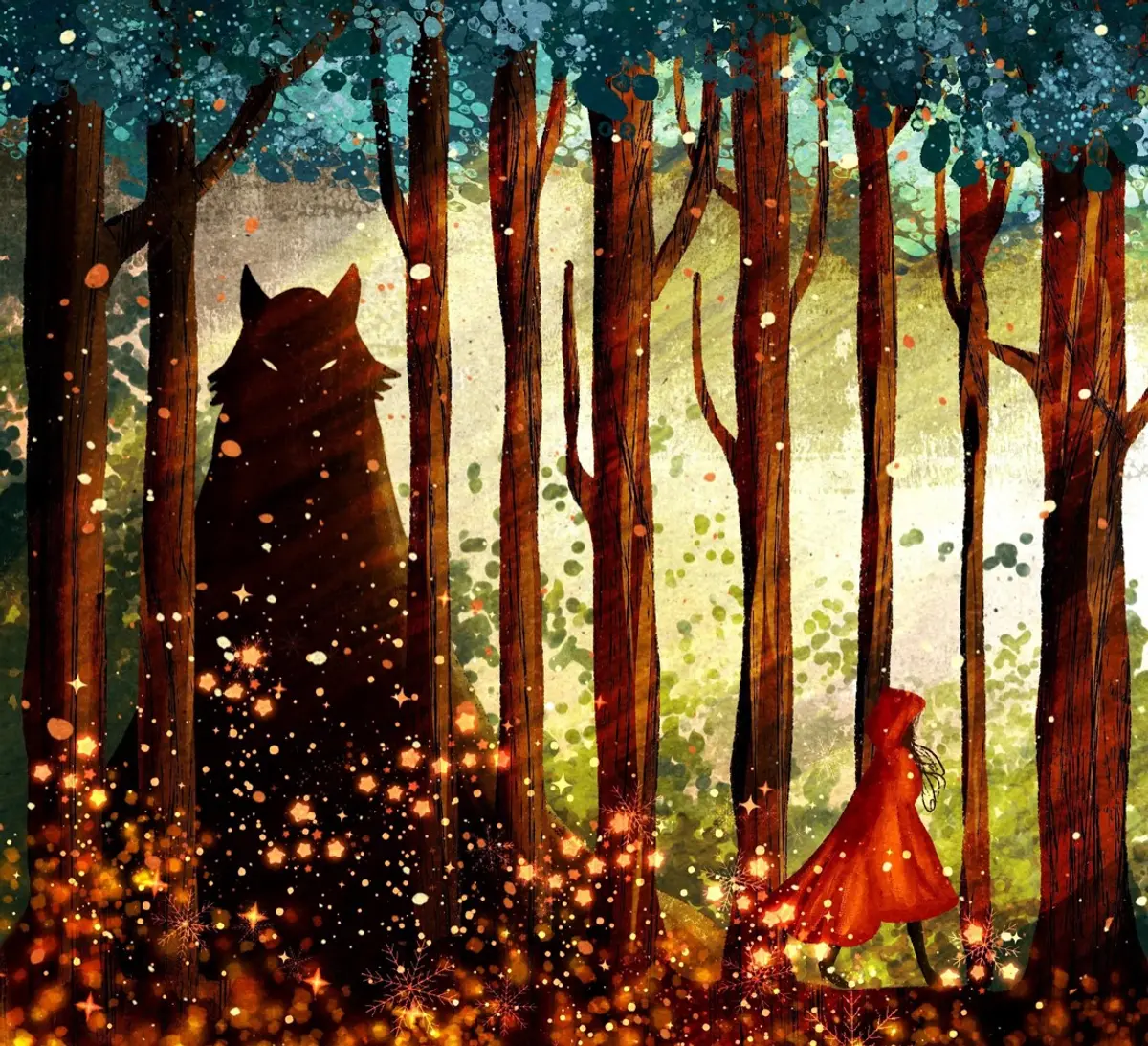
Three looks, each one tuned to the photo in front of you.
White, black, any color you like — or one of the tones Marginalia picks from your photo.
Two colors and an angle. Soft, cinematic and in tune with the image.
The photo itself, blurred out to the edges. Seamless, with no halo.
Frame a full set in one go, give your videos the same border, and watch every change as you make it.
Pick a set, choose the format and the look once, then save or share them together. Every photo gets the same frame.
Clips up to 60 seconds get the same formats and styles — with their sound intact.
The border updates live while you drag the sliders. Try it:
One tap at the top of the editor decides where the framed photo lands in your library.
It keeps the day it was taken and sits right next to the original.
Format, style and color sit right under your photo. No menus, no clutter.
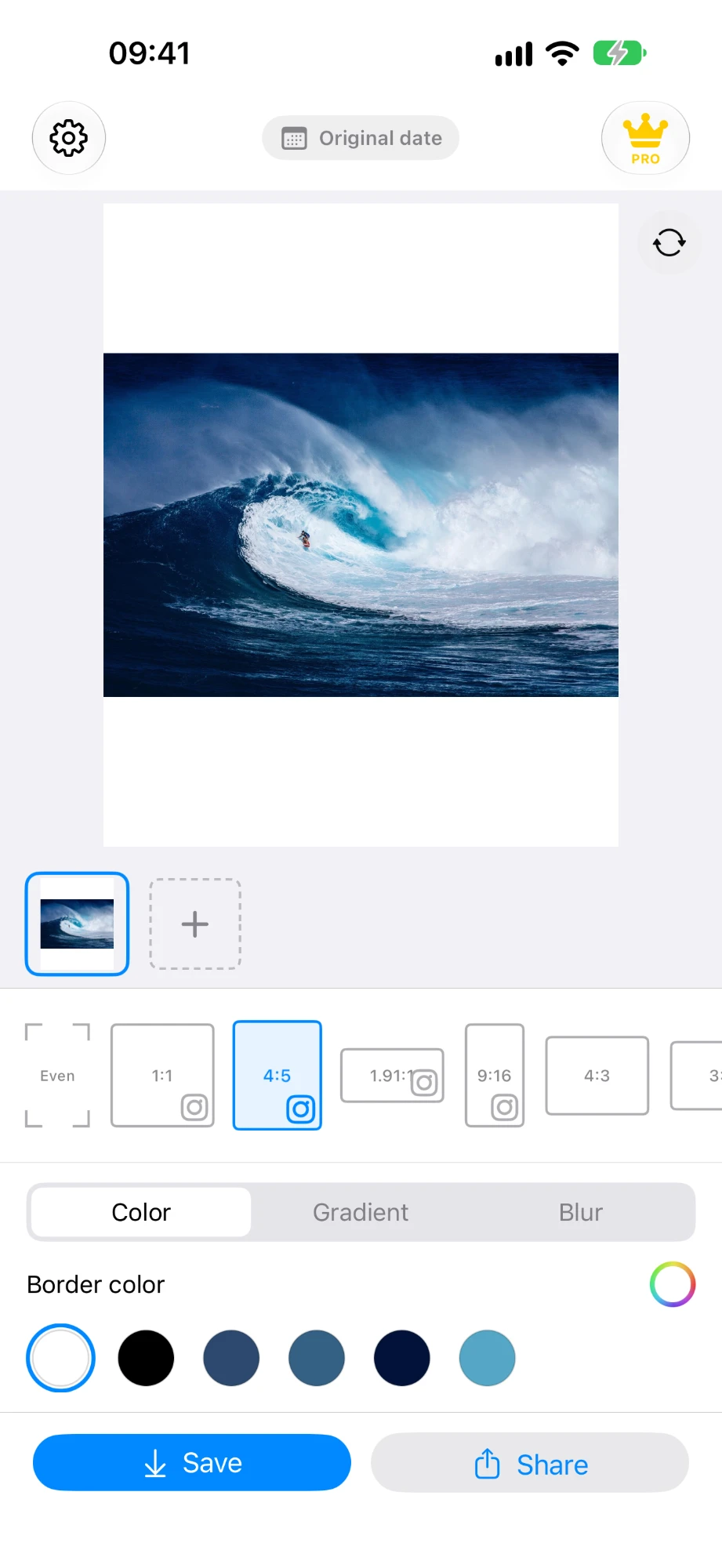 4:5 with a white border
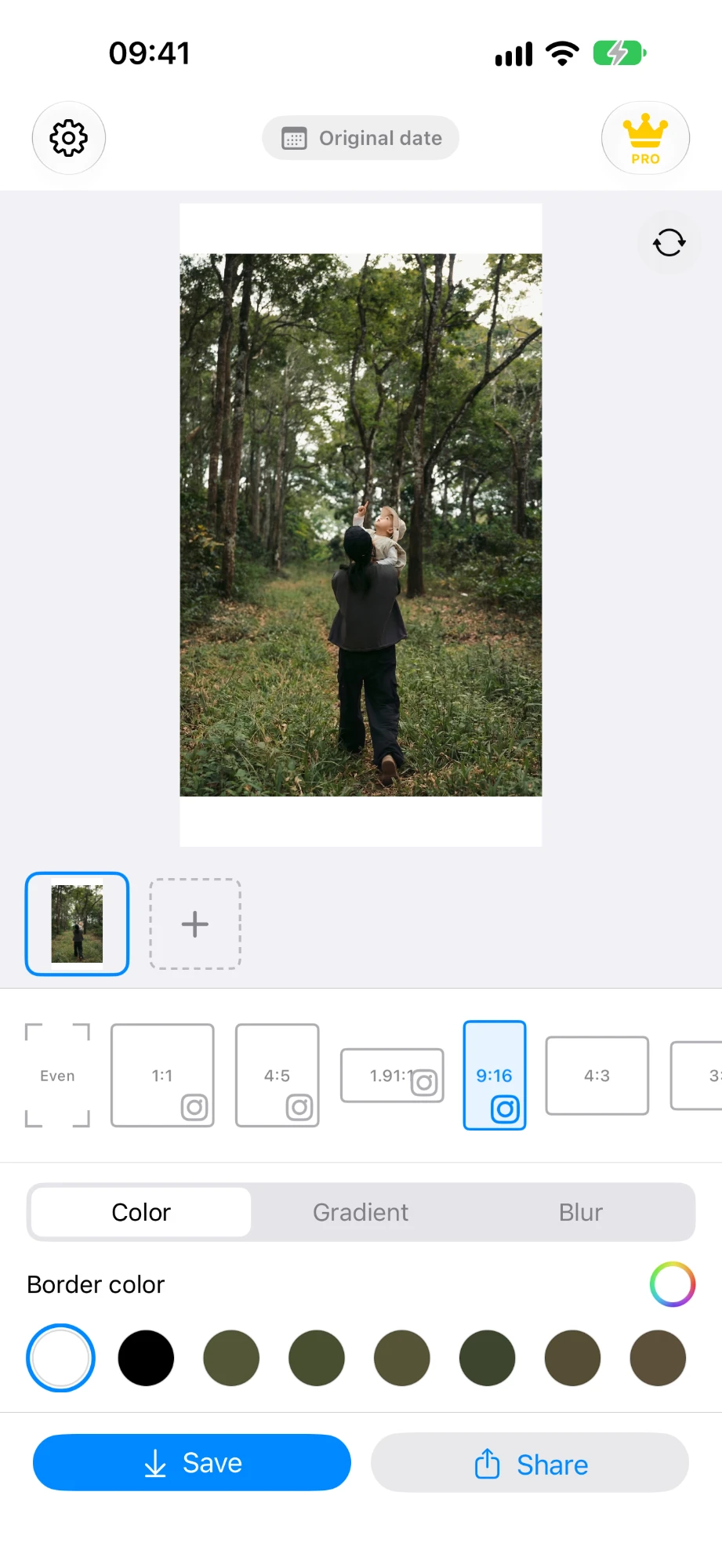 9:16 for Stories
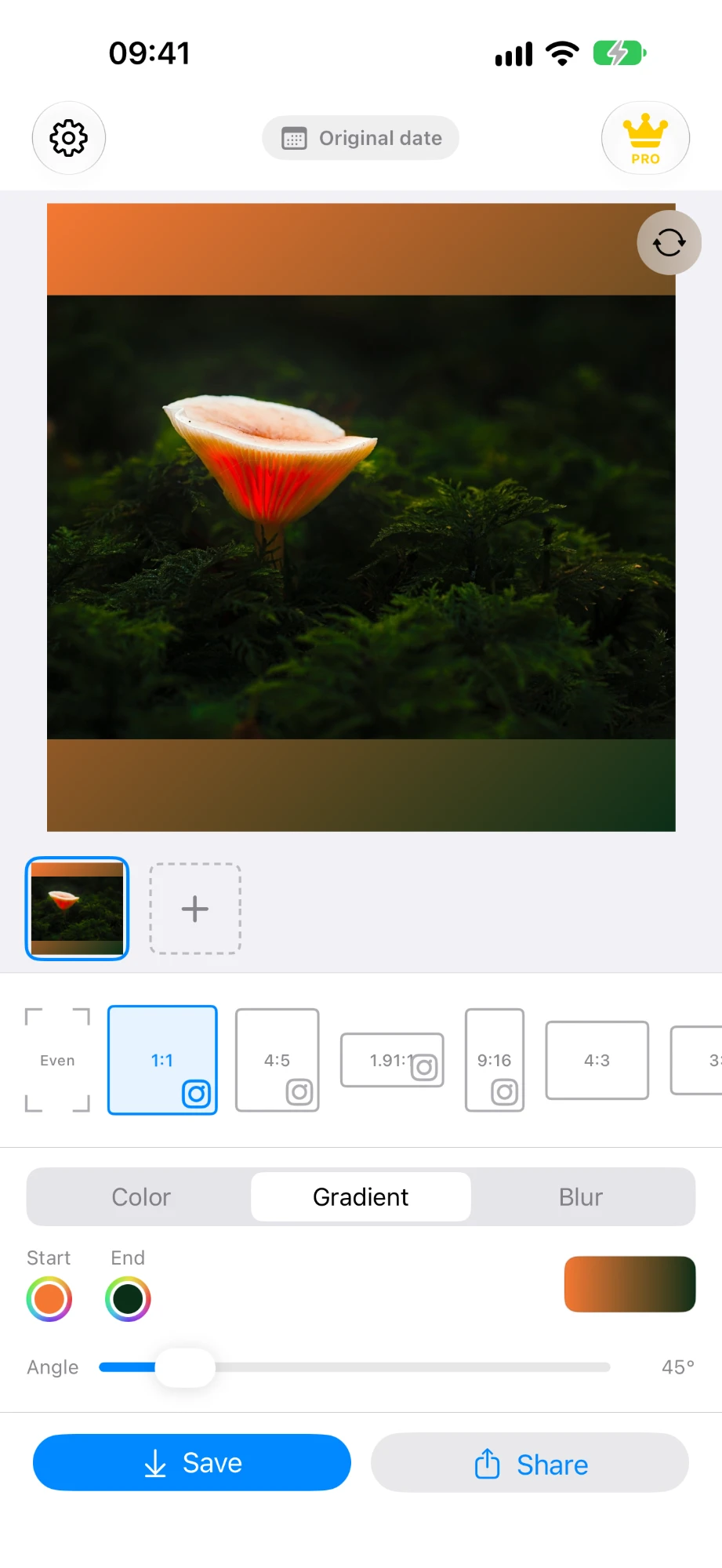 A gradient at any angle
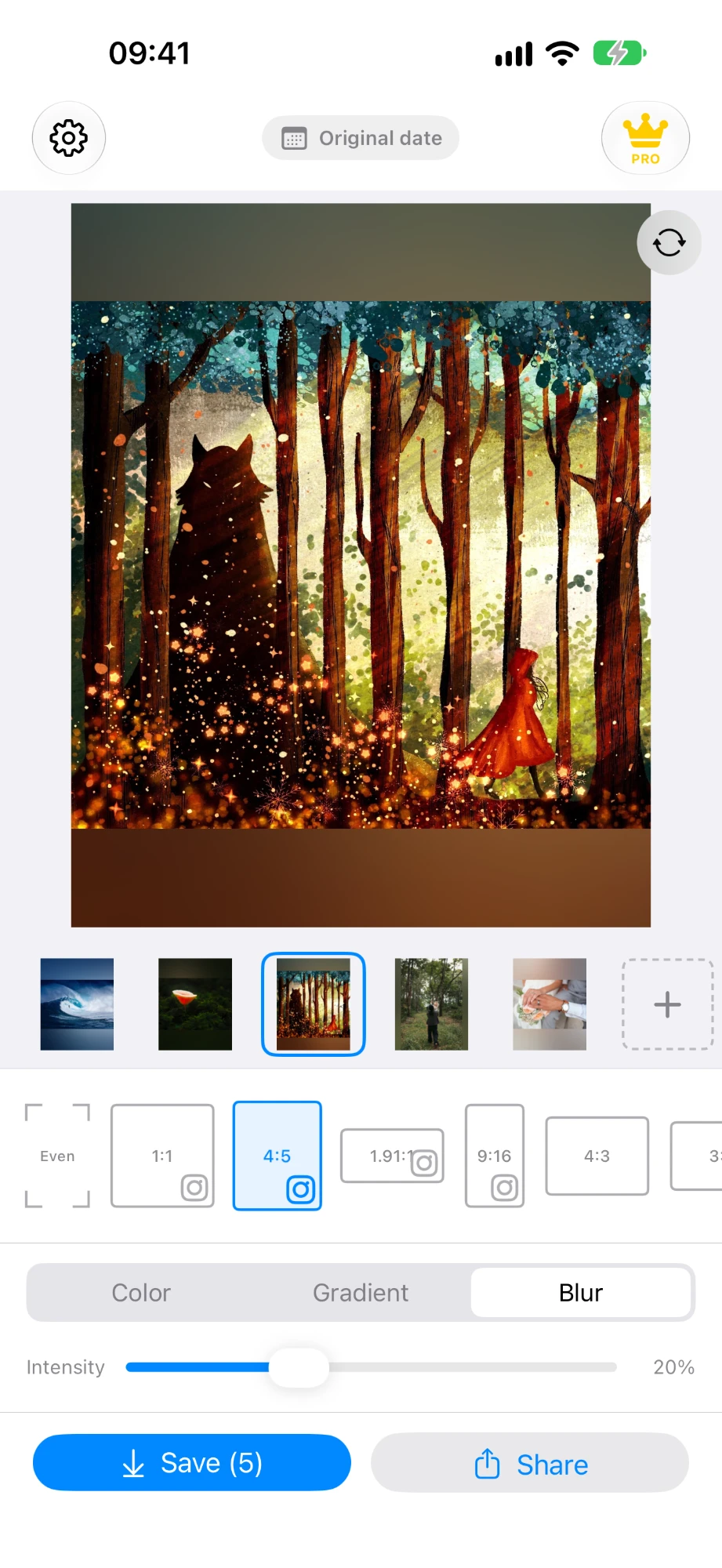 Blur on five photos at once
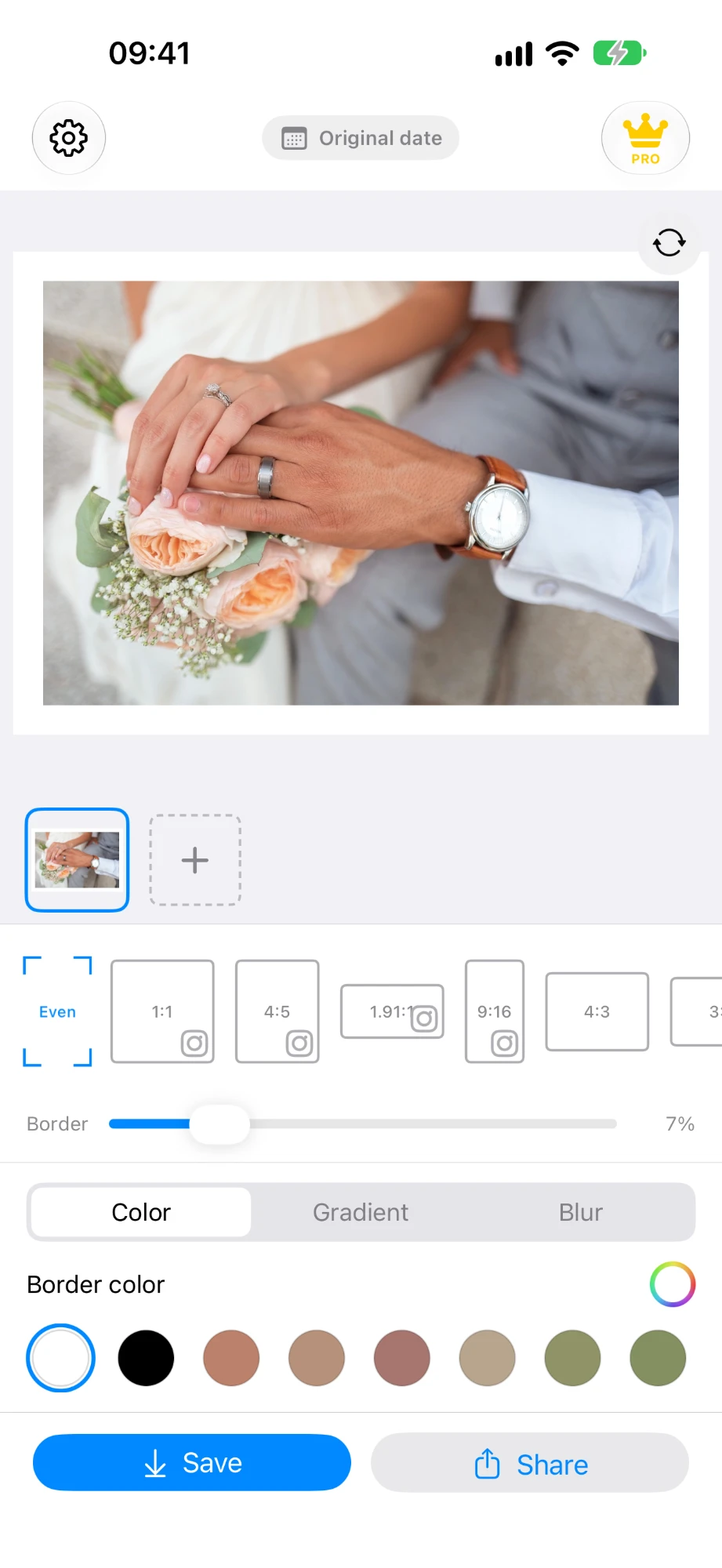 An even 7% border
The framed photo is exported at the original’s full resolution and wide color, and HDR shots keep their extra brightness — never shrunk to fit a format.
The EXIF metadata travels with the framed photo, so it still knows when, where and how it was taken.
Everything you save lands in a “Marginalia” album in Photos, easy to find and post.
All processing happens on your iPhone. No account, no uploads, no tracking.
$0
Everything you need to try it properly.
$9.99 one time
Pay once, keep it forever.
No subscription. No ads. Price may vary by region.
Never. Instead of cutting your photo to fit a format, Marginalia expands the canvas around it and fills the extra space with a border. Every pixel of the original stays in the picture.
1:1, 4:5, 3:4, 1.91:1 and 9:16 for social media; 4:3, 3:2 and 5:4 for portfolios; 5:7, 7:5 and 4:6 for prints; and Even, which keeps your photo’s own shape and adds the same border on every side.
Yes. With Premium you can add up to 10 photos, give them all the same format and style, and save or share them together.
Yes. With Premium, videos up to 60 seconds get the same formats and border styles, and keep their sound.
Yes. With Premium you can write a caption, your name or a watermark in the border below the photo, and choose its typeface, size, color and alignment. It needs a format that leaves room below the photo — Even always does.
Yes. On iOS 18 or later, HDR photos and videos keep their extra brightness after framing. A badge on the preview switches between HDR and SDR.
Yes. Say “Frame my latest photo with Marginalia”, or add the action to Shortcuts or the Action Button: it frames your most recent photo with your last border and saves it to the Marginalia album, without opening the app. In the free version it frames one photo at a time and counts toward the 7 saves. You can also share photos and videos to Marginalia from any app.
No. The free version includes 7 saves with solid color borders. Premium is a one-time purchase of $9.99 (the price may vary by region) that unlocks unlimited saves, gradient and blur borders, text in the border, batches and video.
Yes. Marginalia keeps the EXIF metadata — date, location and camera details — and lets you choose whether the framed photo keeps its original date or appears today at the top of your library.
No. Everything is processed on your device. Marginalia has no account, no ads and no tracking, and never uploads your photos.
An iPhone with iOS 17.6 or later. There is no Android version.